
 PluginLevelsYour audio on the dials: install, channels, keys and the Levels pages.
Guides & Support
Guides for Levels, skins, profiles and icon sets, written for the products you have.
Popular:Install LevelsSet up WARDOGSTwo titles on a keySkin not in the menu
Your product
Every guide is written for one kind of product. Not sure? Getting Started tells them apart.
PluginLevelsYour audio on the dials: install, channels, keys and the Levels pages.
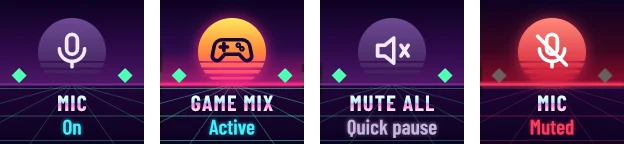 For LevelsSkinsInstall a skin, switch between skins, use your own touch strip image.
 LayoutsProfilesImport the right file, then set up ChatGPT, Claude or WARDOGS.
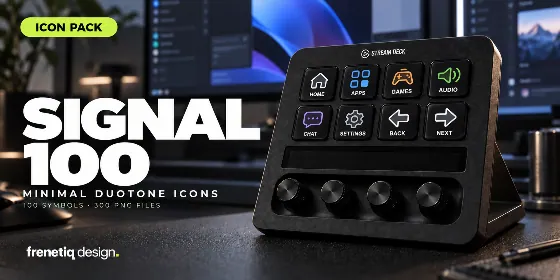 ArtworkIcon setsInstall a pack, pick English, Italian or no text, use the PNG files.
Questions
What to know before you buy, and the quick fixes for the usual setup problems.
Everything is sold and installed through the Elgato Marketplace: choose Install and the Stream Deck app adds it by itself.
Levels and its skins are made for Stream Deck + (dials and touch strip); their keys also work on the other models. Profiles come in a version for each model they support. Icon sets work on every model.
Icon sets do. Levels, its skins and the profiles are Windows only.
Yes: a skin is a new look for Levels. Levels comes with its own skin; the others are sold one by one, and most of them also in collection packs at a lower price.
Yes. You buy Levels once and its updates come at no cost.
Purchases go through the Elgato Marketplace and its refund policy. Write to us first: most problems have a quick fix.
Yes: custom skins, profiles and plugins. Tell us about it on the Custom requests page.
The icon already has its label. Hide the action's title, or use the NO TEXT edition and write your own.
Install or update the plugin it needs (WARDOGS needs SuperMacro by BarRaider). Check that the app is installed and in the foreground.
Make sure your antivirus allowed Levels' audio helper, then restart the Stream Deck app.
On an action wheel, turning chooses and pressing runs. Turn to the action you want, then press the dial.
Assign Search chats to Ctrl+Alt+F in ChatGPT's Keyboard Shortcuts, once. It has no shortcut by default.
Use the file made for your Stream Deck model: the model is in the file name. Remove the other variants you imported.
Set Animations to Off in a dial's settings: the live meters stand still, everything else works.
Tell us which product you're using, your Stream Deck model and what happened. We'll help you find your next step.